Are you looking to elevate your home entertainment with the power of IPTV? Choosing the right iptv equipment is crucial for a smooth, high-quality streaming experience. From the central hub of your setup to the essential accessories that enhance functionality, this comprehensive guide will walk you through everything you need to know. Whether you’re a seasoned streamer or new to the world of IPTV, understanding your options will ensure you get the most value and enjoyment out of your subscription. We’ll delve into the various types of devices available, their key features, and how to select the perfect setup for your home.
Choosing the Right IPTV Box for Your Streaming Needs
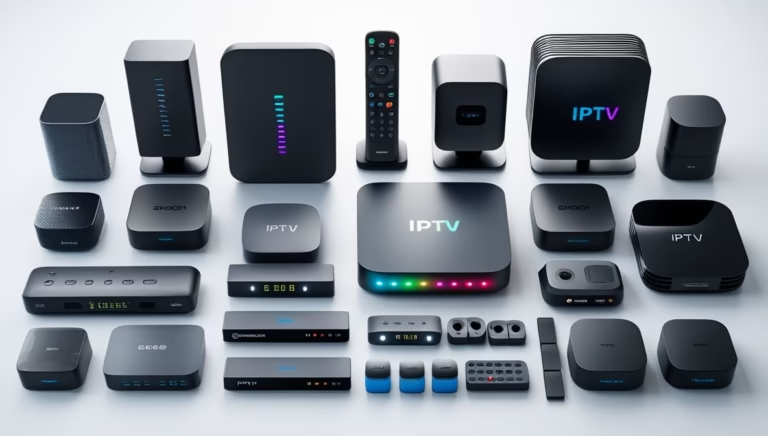
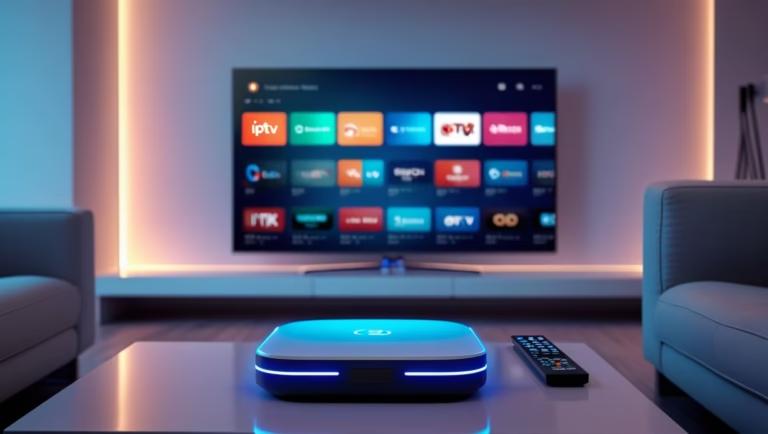
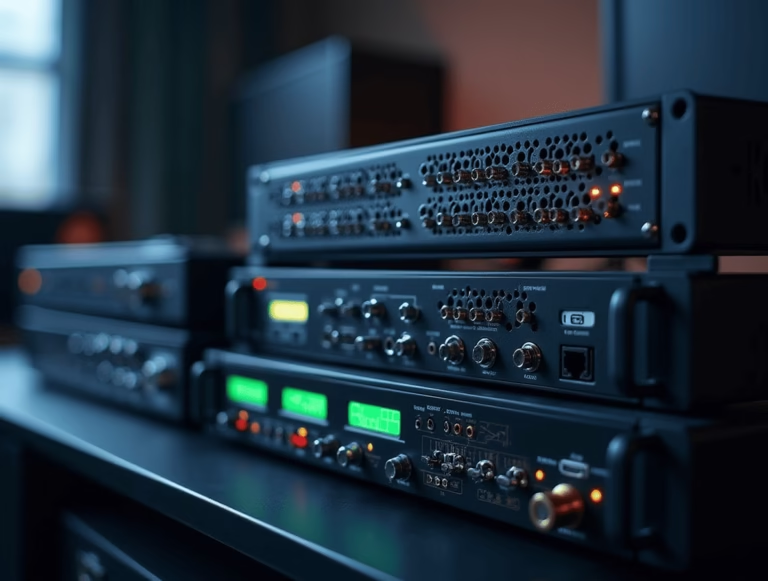
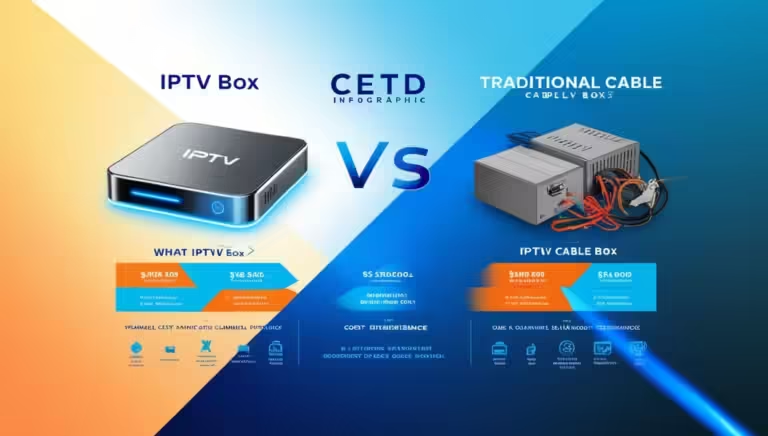
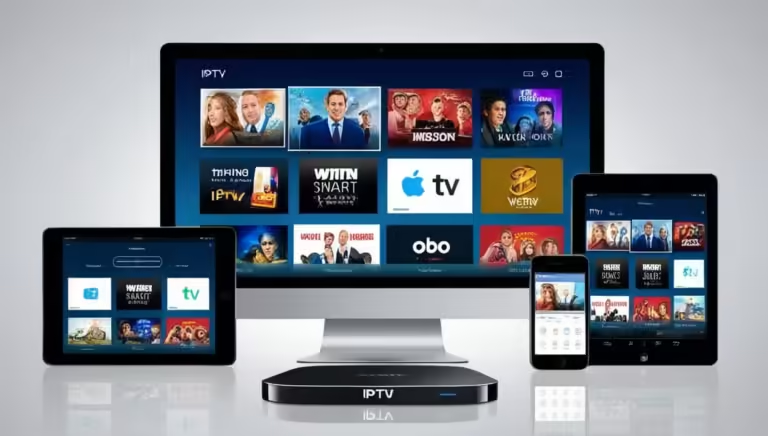
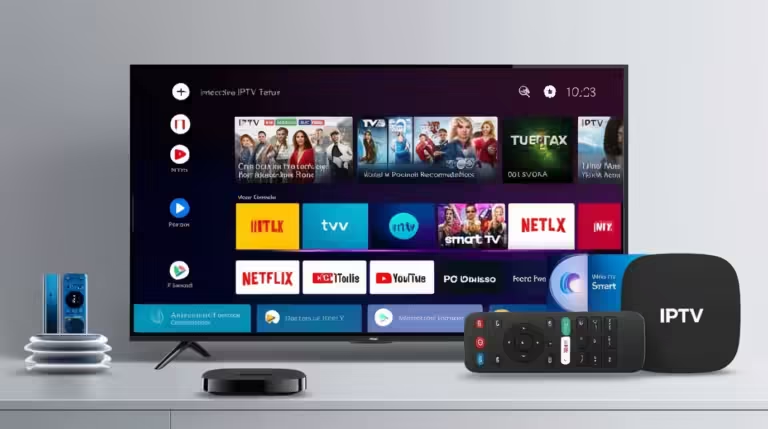
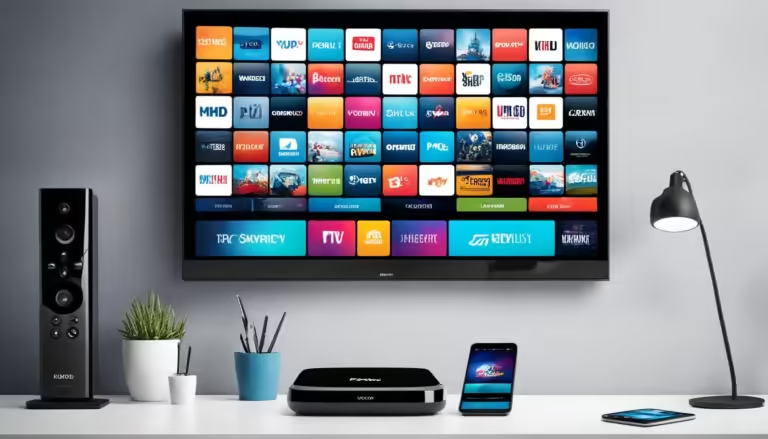
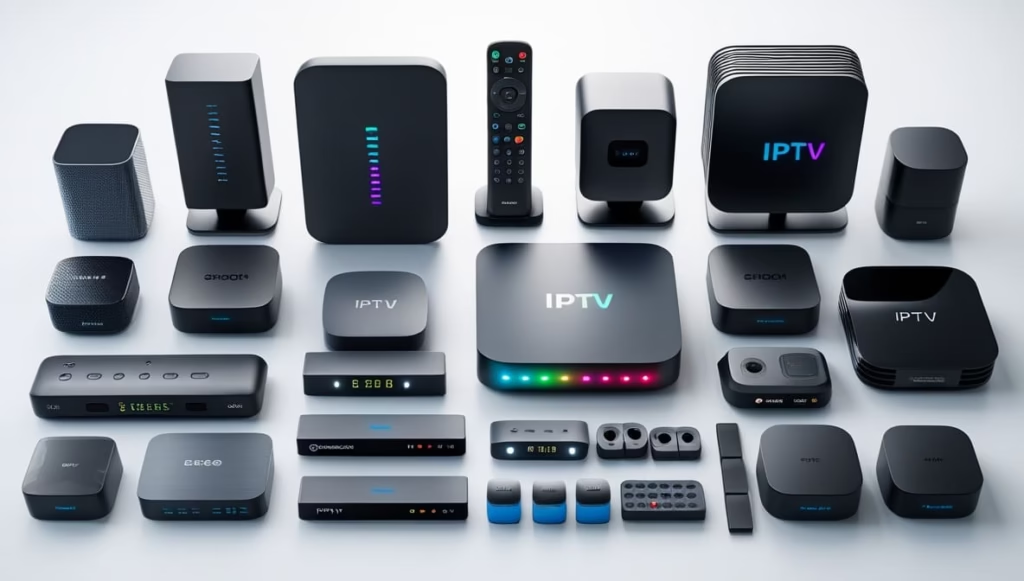
The heart of any IPTV setup is the iptv box. This device acts as your gateway to a vast world of content, translating your IPTV subscription into a viewable format on your television. With a plethora of options on the market, selecting the right one can seem daunting. We’ll explore the different categories of IPTV boxes, focusing on what makes each one stand out and which might be the best fit for your specific requirements. Factors such as operating system, processing power, connectivity options, and supported video resolutions will all play a significant role in your decision-making process. Understanding these elements will help you make an informed choice for your home entertainment.
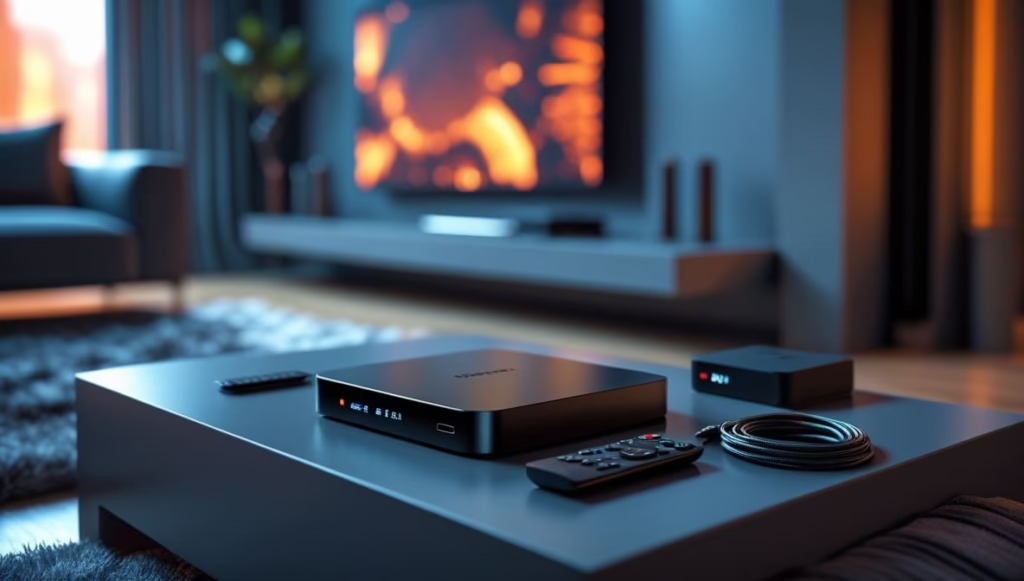
Android TV Boxes: Versatility and Endless Possibilities
When it comes to IPTV, Android TV boxes are among the most popular streaming devices. Powered by Android, they provide access to IPTV services as well as thousands of apps available on the Google Play Store, making them a versatile entertainment solution.
IPTV users can install dedicated IPTV player apps or media players that support M3U playlists. This flexibility makes Android TV boxes a great option for streaming live TV, movies, and on-demand content.
The best Android TV boxes feature powerful processors, sufficient RAM, and support for modern video codecs. For smooth performance, choose a device with at least 2GB of RAM and support for 4K or 8K streaming if available.
Widevine L1 certification is also important if you want premium streaming services in high resolution. Reliable Wi-Fi, an Ethernet port, and USB connectivity can further improve your streaming experience.
With their versatility and performance, Android TV boxes can turn any television into a complete entertainment center, making them one of the best IPTV equipment choices available.
4K IPTV Boxes: Experience Stunning Visuals
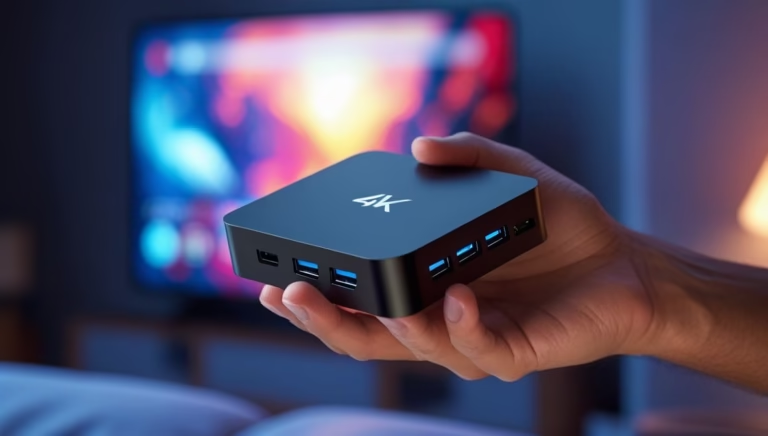
For those who prioritize visual fidelity, a 4k iptv box is an absolute must. These devices are engineered to deliver breathtakingly sharp and vibrant images, taking full advantage of the high-definition content available through many IPTV services. A 4K resolution offers four times the number of pixels as Full HD (1080p), resulting in a significantly more detailed and immersive viewing experience.
When selecting a 4K IPTV box, pay close attention to its HDMI output capabilities, ensuring it supports HDMI 2.0 or higher for optimal 4K performance at 60Hz. Hardware decoding capabilities are also crucial; a powerful processor and dedicated graphics unit will ensure that the box can handle the demanding bandwidth and processing power required for 4K streaming without buffering or stuttering. Many 4K IPTV boxes also come with support for HDR (High Dynamic Range) technology, which further enhances contrast, color accuracy, and brightness, bringing a more realistic and lifelike picture to your screen. Researching reviews that specifically mention 4K playback and compatibility with various IPTV player apps will be beneficial. Investing in a quality 4K IPTV box ensures that you’re not just watching content, but truly experiencing it. This is a vital piece of iptv equipment for any cinephile.
Streaming Sticks and Dongles: Compact and Portable IPTV Solutions
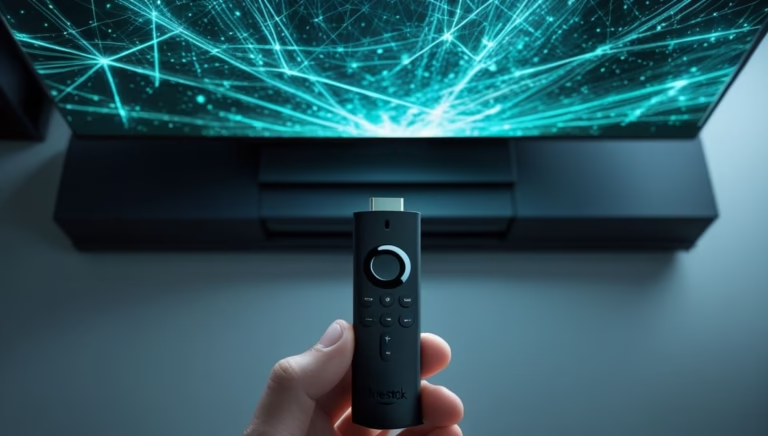
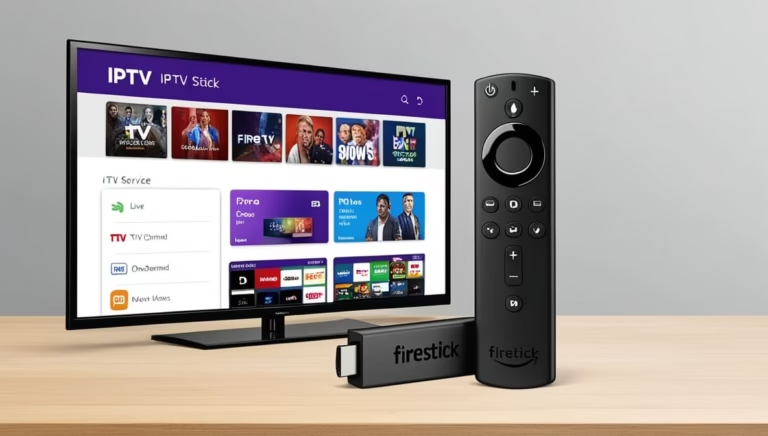
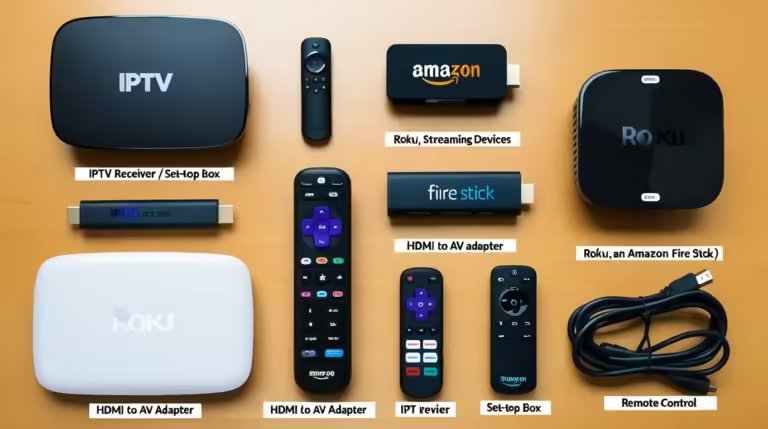
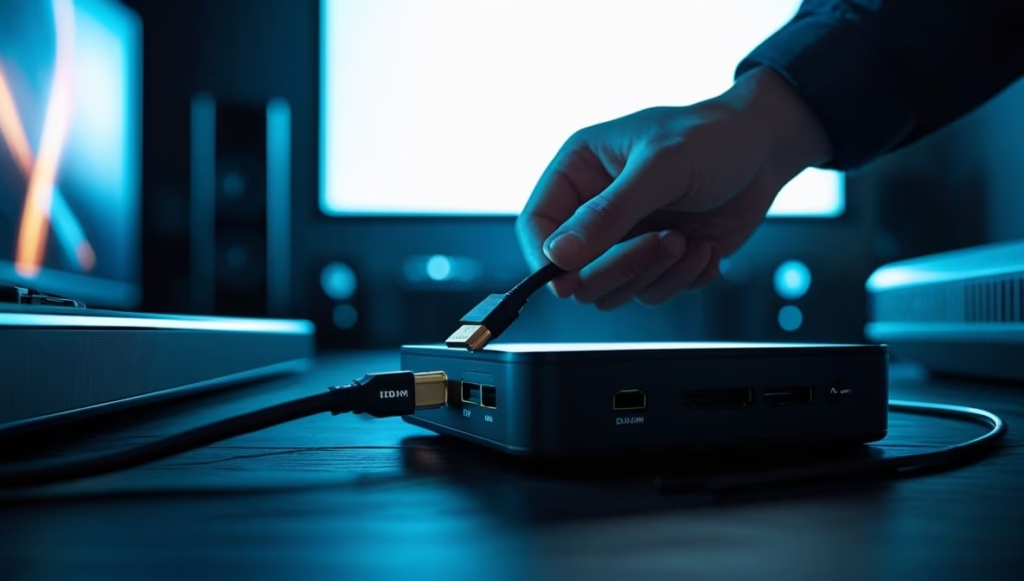
Beyond dedicated boxes, streaming sticks and dongles offer a more compact and often more affordable entry point into the world of IPTV. These small devices plug directly into your TV’s HDMI port and are powered via USB or a separate adapter. While they might not pack the same processing punch as larger Android TV boxes, many modern streaming sticks are more than capable of handling high-definition IPTV streaming. They typically run on simplified operating systems and are optimized for streaming apps.
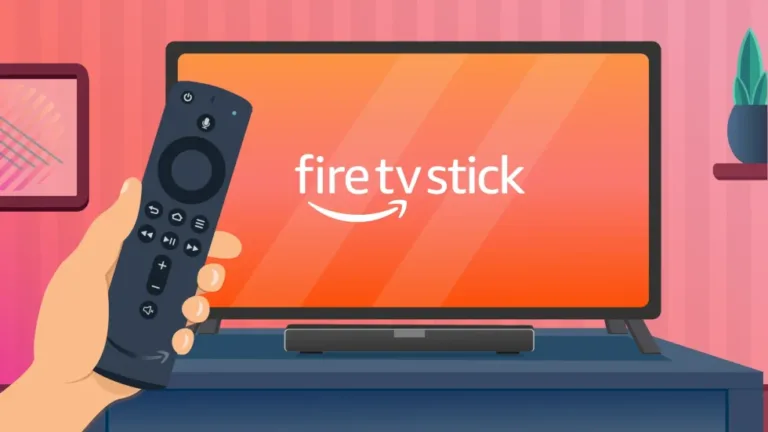
For IPTV, you’ll often need to sideload an IPTV player app or use a web browser to access your subscription portal if the stick doesn’t natively support M3U playlist loading. When considering these devices, look for strong Wi-Fi connectivity and sufficient internal storage for apps. Some popular options include Amazon Fire TV Sticks and Google Chromecast with Google TV. While they might not be as feature-rich as a full-fledged android tv box, their simplicity, portability, and cost-effectiveness make them an excellent choice for secondary TVs or for those who travel frequently. They are a fantastic example of how versatile iptv equipment can be, fitting into various lifestyles and budgets.
Essential IPTV Accessories for an Optimized Setup
While the IPTV box is the core of your setup, a few well-chosen accessories can significantly enhance your overall experience. These additions can improve connectivity, convenience, and the sheer enjoyment of your streaming sessions. From ensuring a stable internet connection to making navigation easier, these items are often overlooked but play a vital role in a seamless IPTV journey. Let’s explore some of the keyiptv accessories that can make a difference.
High-Quality HDMI Cables
Don’t underestimate the importance of a good HDMI cable. While many IPTV boxes come with a basic cable, upgrading to a certified High-Speed HDMI cable can make a noticeable difference, especially if you’re streaming in 4K or using HDR. Look for cables that are certified for HDMI 2.0 or higher to support 4K resolutions at 60Hz and other advanced features. A poorly made or outdated cable can be a bottleneck, preventing your 4k iptv box from performing at its best, even if the box itself is top-of-the-line. Investing in a reliable HDMI cable is a small but crucial step in optimizing your IPTV setup.
Reliable Ethernet Cables
While Wi-Fi is convenient, a wired Ethernet connection often provides a more stable and faster internet connection for your iptv box. This is particularly important for streaming high-definition content, where a consistent and robust connection is paramount to avoid buffering and pixelation. Using a Cat 5e or Cat 6 Ethernet cable can ensure that your device receives the full speed and reliability of your internet plan. This is especially beneficial in households with multiple devices competing for Wi-Fi bandwidth. A stable connection means uninterrupted viewing pleasure, allowing you to fully enjoy your IPTV subscription without frustrating interruptions.
External Storage Devices (USB Drives and SD Cards)
Many IPTV boxes, especially Android TV boxes, come with limited internal storage. External storage devices like USB drives or SD cards can significantly expand your capacity. This is useful for storing downloaded apps, media files, or even for caching purposes that can improve streaming performance. If you plan on using your IPTV box for more than just live streaming, such as storing downloaded movies or shows, an external drive becomes almost essential. Ensure the drive is formatted in a compatible file system (e.g., FAT32, exFAT, NTFS) that your IPTV box supports. This addition adds a layer of flexibility to your iptv equipment, allowing for more diverse usage scenarios beyond just live TV.
Ergonomic Remote Controls and Air Mice
Navigating menus and typing in search queries can be cumbersome with standard remote controls, especially on Android TV boxes that support more complex interfaces. Air mice often combine a traditional remote with a motion-sensing cursor, allowing you to point and click on your screen much like a computer mouse. This makes navigating apps, web browsers, and typing much faster and more intuitive. For a device like an android tv box, where app selection and browsing are key, a better remote can significantly improve usability. Many air mice also include a keyboard on the reverse side, making text input effortless. These seemingly small additions can dramatically improve the daily interaction with your iptv equipment.
Setting Up Your IPTV System for Success
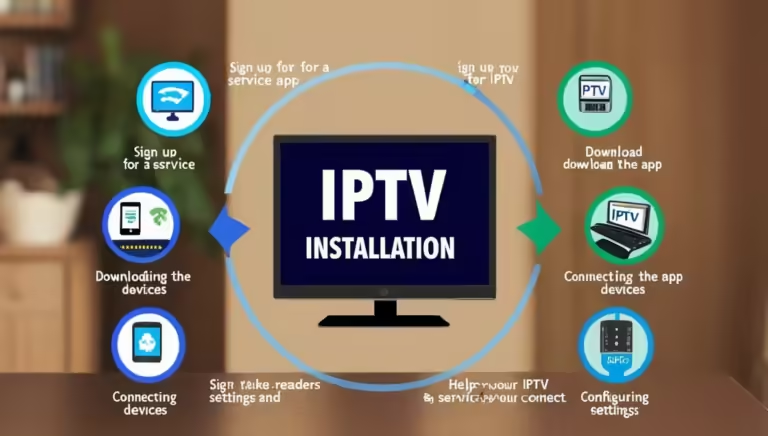
Once you have selected your iptv equipment, the next step is to ensure a smooth and effective iptv setup. This involves connecting your devices correctly and configuring them for optimal performance. A well-executed setup is the foundation for a frustration-free streaming experience.
Connecting Your IPTV Box
The initial connection is straightforward. Most IPTV boxes connect to your TV via an HDMI cable. Ensure the HDMI cable is securely plugged into both the box and an available HDMI port on your television. If your box supports it, connect it to your home network either wirelessly via Wi-Fi or with a wired Ethernet cable for the most stable connection. Power on your IPTV box and your television, and select the correct HDMI input source on your TV. You will then be guided through an initial setup process, which may include language selection, Wi-Fi setup, and logging into your Google account if it’s an Android TV box.
Installing IPTV Player Apps
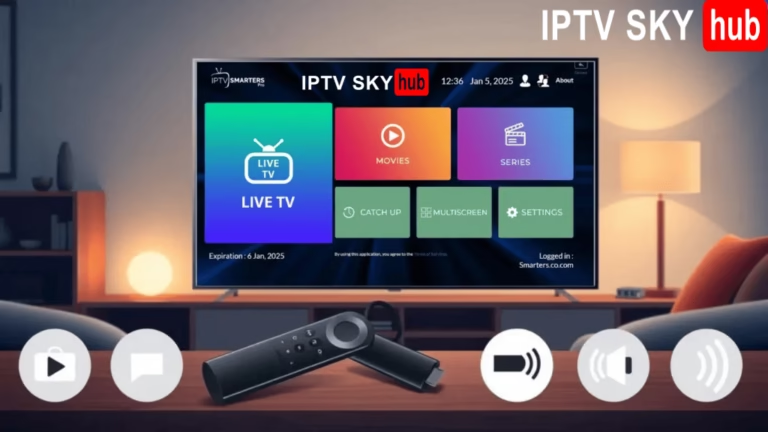
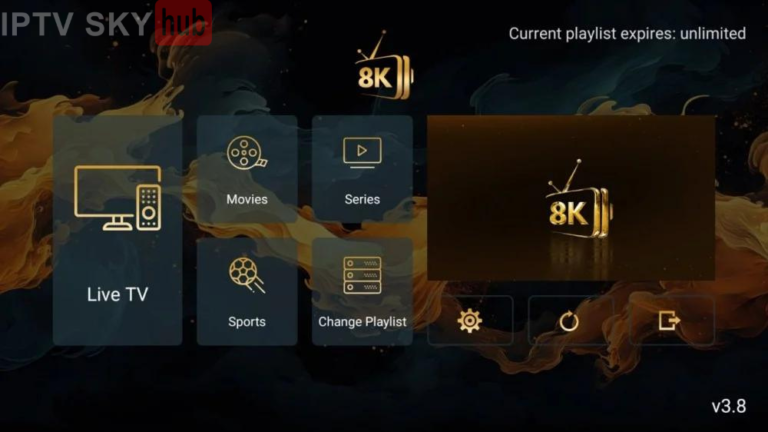
The specific app you use to access your IPTV subscription will depend on the platform of your iptv box. For Android TV boxes, you can typically download popular IPTV player apps directly from the Google Play Store, such as IPTV Smarters Pro, TiviMate, or VLC Media Player. These apps allow you to load your M3U playlist and EPG (Electronic Program Guide) URL provided by your IPTV service provider. Once the app is installed, you will need to input your subscription credentials or playlist link to start streaming channels. It’s always advisable to check with your IPTV provider for recommendations on the best IPTV player apps for their service and for your chosen iptv equipment.
Optimizing Network Settings
A stable internet connection is paramount for IPTV. Ensure your router is placed in a central location and that its firmware is up to date. If you’re experiencing buffering issues, consider restarting your router and modem, and if you’re using Wi-Fi, try moving your iptv box closer to the router or switching to a wired Ethernet connection. Many IPTV boxes allow you to check your network speed directly within their settings, which can help diagnose potential issues. Optimizing your network settings can often resolve a significant portion of streaming problems and is a critical step in a successful iptv setup.
Exploring Other IPTV Equipment Options
While dedicated IPTV boxes and streaming sticks are the most common forms of iptv equipment, other devices can also play a role in your entertainment setup. Understanding these options can help you build a more versatile and enjoyable viewing experience.
Smart TVs with IPTV Capabilities
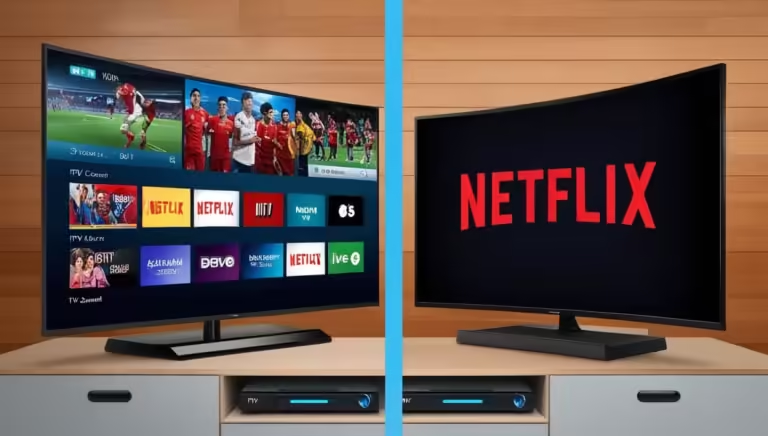
Many modern Smart TVs come with built-in operating systems like webOS, Tizen, or Android TV. These TVs can often run IPTV player apps directly, eliminating the need for an external iptv box altogether. If your Smart TV runs on Android TV, you can access the Google Play Store and install IPTV apps just as you would on an Android TV box.
Even on other Smart TV platforms, you might be able to access IPTV services through their web browsers or by installing compatible apps from the TV’s app store. This offers a streamlined approach to IPTV viewing, reducing clutter and simplifying your setup.
However, the performance and app availability can vary significantly between different Smart TV manufacturers and models. It’s always a good idea to check the app store of your Smart TV or consult its user manual to see if it supports the IPTV apps you intend to use. This is a growing area of iptv equipment that offers convenience and integration.
Mini PCs and HTPCs
For the ultimate in flexibility and power, a mini PC or a Home Theater PC (HTPC) can be configured to function as a robust IPTV streaming device. These devices offer the full capabilities of a computer, allowing you to install any software, including dedicated IPTV players, media center software like Kodi, or even run multiple IPTV streams simultaneously. They are ideal for users who want to integrate their IPTV viewing with a broader digital media library, home automation, or other PC-based applications. While more expensive and complex than a dedicated iptv box, a mini PC or HTPC provides unparalleled customization and performance. Setting up an HTPC for IPTV often involves installing specialized software and configuring it to access your IPTV service. This represents a high-end solution within the realm of iptv equipment for advanced users.
To ensure you’re always getting the best possible streaming quality and security, it’s wise to stay informed about the latest advancements in streaming technology. Organizations like the International Telecommunication Union (ITU) often publish standards and recommendations related to multimedia broadcasting and internet streaming, which can indirectly influence the development and capabilities of your iptv equipment. Similarly, understanding the impact of network infrastructure on streaming performance can be informed by resources from organizations like the Internet Engineering Task Force (IETF), which sets many of the foundational protocols for internet communication. For a broader understanding of digital content delivery and its future, exploring insights from bodies like the DVB Project can provide valuable context on evolving broadcast and streaming standards.
Conclusion: Your Path to Superior IPTV Streaming
Selecting the right iptv equipment is the cornerstone of a premium streaming experience. From the versatile android tv box to the visually stunning 4k iptv box, each device offers unique advantages. Remember to consider your budget, technical expertise, and viewing habits when making your choice. Don’t forget the essential iptv accessories that can further refine your setup, ensuring stability and convenience. By investing in quality iptv equipment and following best practices for iptv setup, you are paving the way for countless hours of uninterrupted entertainment. Explore your options today and unlock the full potential of IPTV!