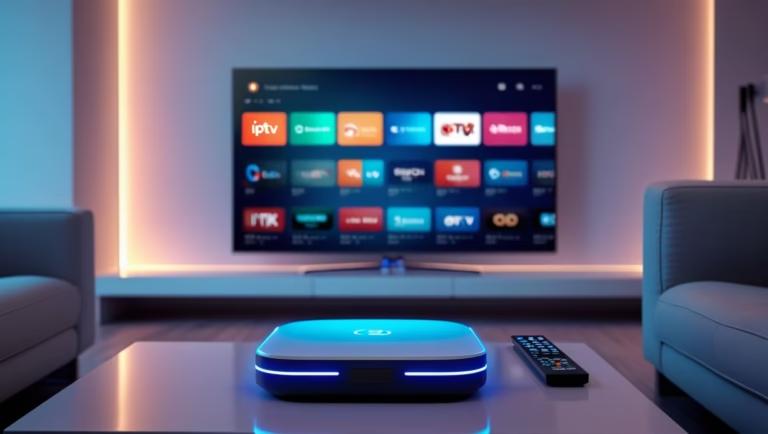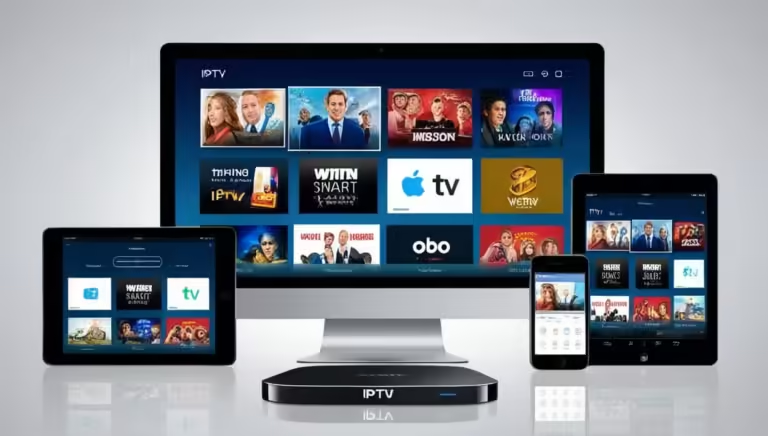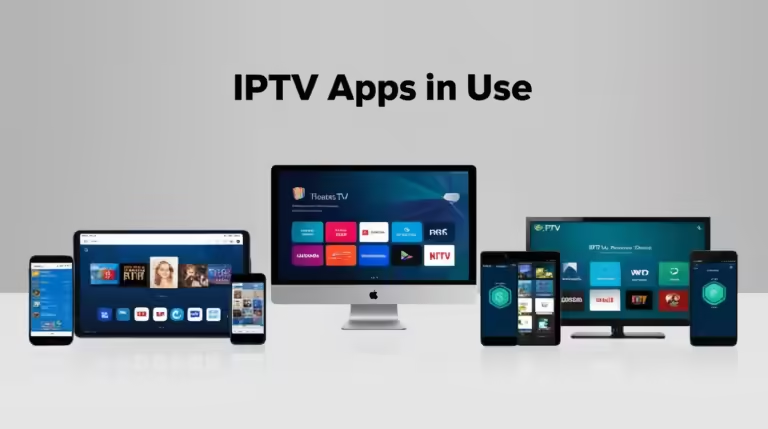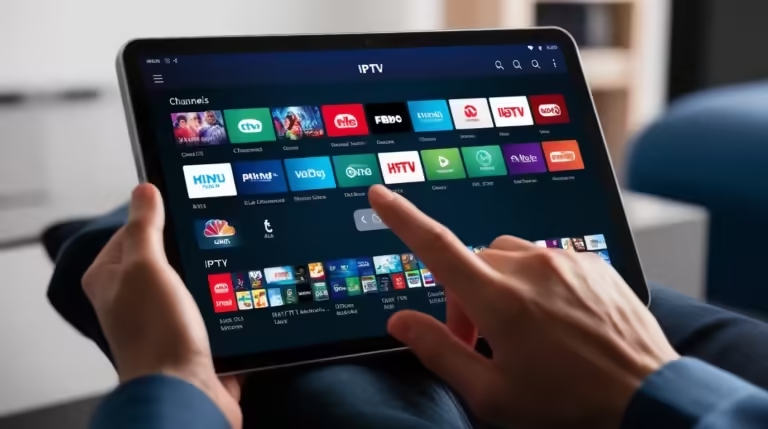
Welcome to the future of home entertainment! In this comprehensive HDMI IPTV setup guide, we’ll walk you through the process of transforming your viewing experience. Gone are the days of bulky cable boxes and limited channel selections. With HDMI IPTV, you can unlock a world of high-definition content streamed directly over your existing network.
This guide is designed to equip you with the knowledge to seamlessly integrate HDMI IPTV into your home, ensuring crystal-clear picture quality and unparalleled flexibility. Whether you’re looking to enhance your home theater, distribute video content across multiple screens, or simply enjoy a more robust streaming experience, understanding the intricacies of an HDMI IPTV setup is crucial. We’ll delve into the technology, the essential components, and the practical steps involved in achieving an optimal setup. Get ready to elevate your entertainment with the power of IP-based video transmission.
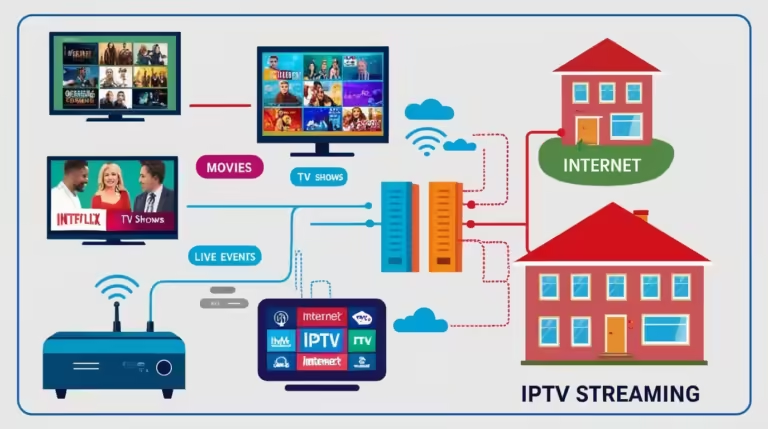
The convergence of HDMI and Internet Protocol (IP) television (IPTV) has opened up a realm of possibilities for high-definition video distribution. Unlike traditional broadcast or satellite TV, IPTV leverages your existing internet infrastructure to deliver content, offering enhanced interactivity and accessibility. At its core, HDMI IPTV utilizes the robust capabilities of IP networks to transmit high-definition video signals that were traditionally sent via HDMI cables. This innovation eliminates the need for extensive cabling and allows for greater flexibility in content delivery and management, making it an ideal solution for both home users and professional installations.

Understanding the Core Components of Your HDMI IPTV System
To successfully implement an HDMI IPTV setup, it’s essential to grasp the fundamental components that work in tandem to deliver your high-definition content. This section will break down each critical element, explaining its role and how it contributes to the overall system’s performance. Understanding these building blocks will empower you to make informed decisions when selecting equipment and troubleshooting potential issues. We’ll cover everything from the source of your content to the final display, ensuring a clear picture of how the technology functions. This knowledge is particularly valuable when considering advanced solutions like HDMI over IP extenders, which are a cornerstone of many modern IPTV deployments.
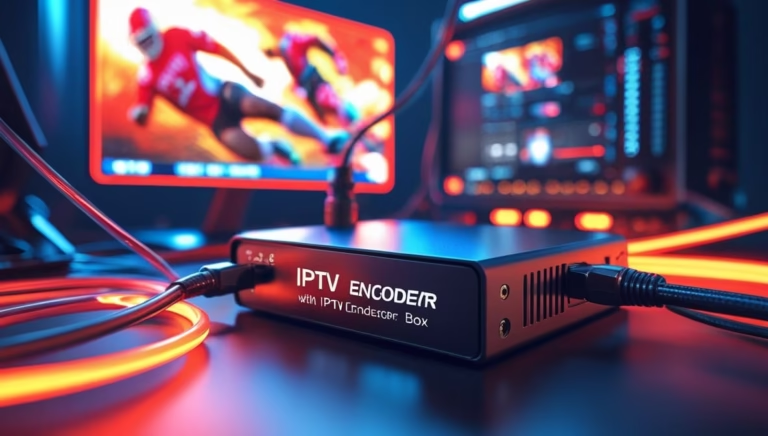
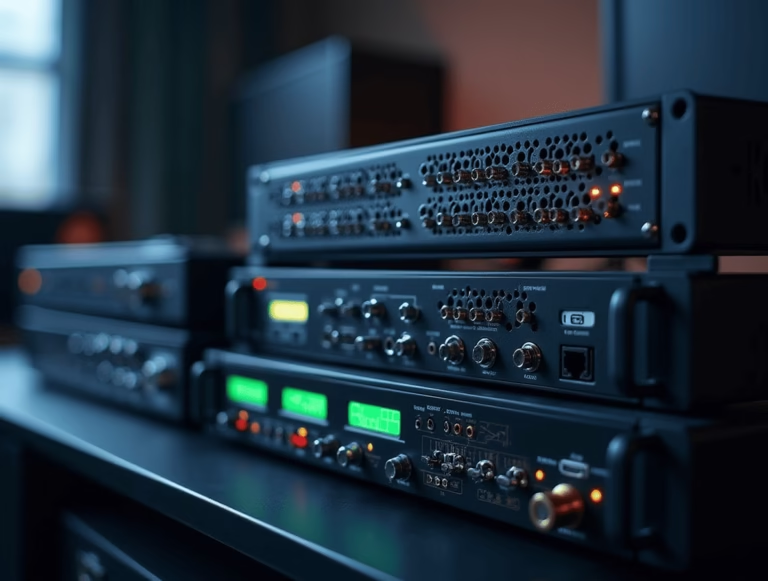
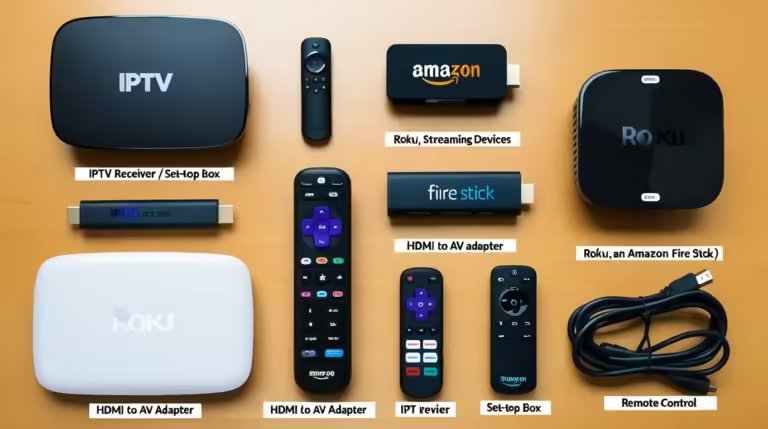
At the heart of any HDMI IPTV setup lies the content source. This could be a dedicated IPTV set-top box, a media server, a computer running streaming software, or even a cable/satellite receiver that outputs an HDMI signal. The key is that this source provides the high-definition video and audio in a format that can be encoded and transmitted over your IP network. Following the source, the next crucial component is the encoder. The encoder’s job is to take the raw HDMI signal and compress it into a digital stream that can be efficiently transmitted over an IP network.
This process is vital for managing bandwidth and ensuring smooth playback, especially for high-resolution content like 4K video. Many modern IPTV systems incorporate advanced encoding technologies to maintain picture quality while minimizing data usage.
The network infrastructure is the backbone of your entire HDMI IPTV system. This includes your router, switches, and the cabling connecting them. A robust and well-configured network is paramount for reliable video streaming. Insufficient bandwidth or network congestion can lead to buffering, pixelation, and dropped signals, significantly degrading the viewing experience. For higher resolutions and multiple streams, it’s often recommended to have a gigabit Ethernet network.
The network then transmits the encoded video streams to the decoder. The decoder, often integrated into an IPTV set-top box or a display device, performs the opposite function of the encoder: it decompresses the IP stream back into a format that your display can understand and show. Finally, the display device – your TV, monitor, or projector – renders the high-definition video and audio, completing the chain.
For installations requiring the transmission of HDMI signals over extended distances or to multiple locations within a building, HDMI over IP extenders become indispensable. These devices act as a bridge, enabling the seamless transfer of HDMI signals via standard network infrastructure, effectively extending the reach of your content far beyond the limitations of traditional HDMI cables.
Designing Your Network for Optimal HDMI IPTV Performance
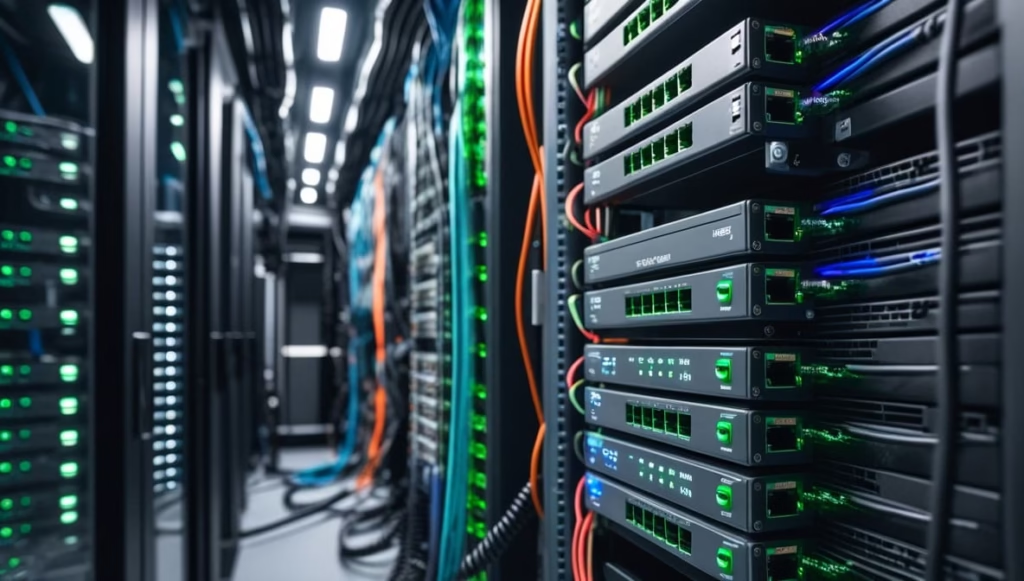
A well-designed network is the silent hero of any successful HDMI IPTV setup. Without sufficient bandwidth, proper configuration, and minimal latency, even the best equipment will struggle to deliver a flawless viewing experience. This section will guide you through the essential considerations for optimizing your network to support high-definition video streaming. We’ll explore key aspects such as bandwidth allocation, Quality of Service (QoS) settings, and network topology, all of which play a vital role in ensuring that your HDMI over IP streams are delivered without interruption. A robust network infrastructure is not just about speed; it’s about intelligent management of your data traffic.
The primary concern for any HDMI IPTV setup is bandwidth. High-definition video, especially 4K content, requires a significant amount of data. For standard HD (1080p) streams, you can generally expect to need anywhere from 5 to 25 Mbps per stream, depending on the compression used and the video source. For 4K content, this requirement can jump to 25 Mbps and upwards. It’s crucial to understand your internet service provider (ISP) plan and your internal network’s capacity.
If you’re streaming multiple HD or 4K channels simultaneously, you’ll need a substantial amount of bandwidth. Consider conducting a speed test to gauge your available download and upload speeds. For internal network performance, ensure you are using Gigabit Ethernet (1000 Mbps) rather than Fast Ethernet (100 Mbps) for your wired connections. This is particularly important when dealing with high-bitrate HDMI over IP solutions that demand maximum throughput.
Quality of Service (QoS) is another critical aspect of network design for HDMI IPTV. QoS settings allow you to prioritize certain types of network traffic over others. In the context of IPTV, you’ll want to prioritize your video streams to ensure they receive sufficient bandwidth and are less susceptible to delays caused by other internet activities, such as large file downloads or online gaming. Most modern routers offer QoS features that can be configured through their administrative interface.
You can typically set priorities based on IP address, port numbers, or specific applications. Properly configured QoS ensures that your video streams are given precedence, leading to smoother playback and reduced buffering. For advanced users and larger deployments, understanding network segmentation and VLANs (Virtual Local Area Networks) can further enhance performance and security by isolating IPTV traffic from other network activities. Explore resources like Cisco’s guide on QoS to learn more about implementation strategies.
The physical layout and cabling of your network also matter. For wired connections, Cat5e cables are the minimum acceptable standard for Gigabit Ethernet, but Cat6 or Cat6a cables are recommended for better performance and future-proofing, especially for longer runs or higher bandwidth demands. Ensure that your network switches have sufficient port density and PoE (Power over Ethernet) capabilities if your IPTV equipment, such as HDMI over IP extenders or cameras, requires it.
Wireless connections can be convenient but are generally less reliable for high-bandwidth, latency-sensitive applications like IPTV. If wireless is your only option, ensure you are using a modern Wi-Fi standard (Wi-Fi 6 or 6E) with a strong signal and consider a dedicated access point for your IPTV devices. For comprehensive network planning, consider consulting TechTarget’s definition of network topology to understand how your device connections impact overall performance.
Step-by-Step HDMI IPTV Setup and Configuration
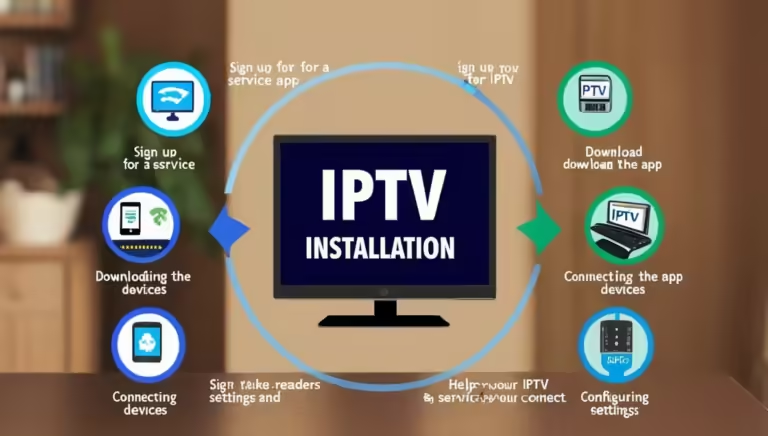
Now that you understand the components and network considerations, it’s time to dive into the practicalities of setting up your HDMI IPTV system. This section provides a step-by-step walkthrough to guide you through the installation and configuration process. Following these instructions will help you achieve a functional and optimized HDMI IPTV experience. We’ll cover everything from initial connections to basic software setup, ensuring you’re equipped to enjoy your high-definition content with confidence. This process often involves configuring network devices and ensuring proper communication between all elements of your HDMI over IP distribution system.
Step 1: Connect Your Content Source
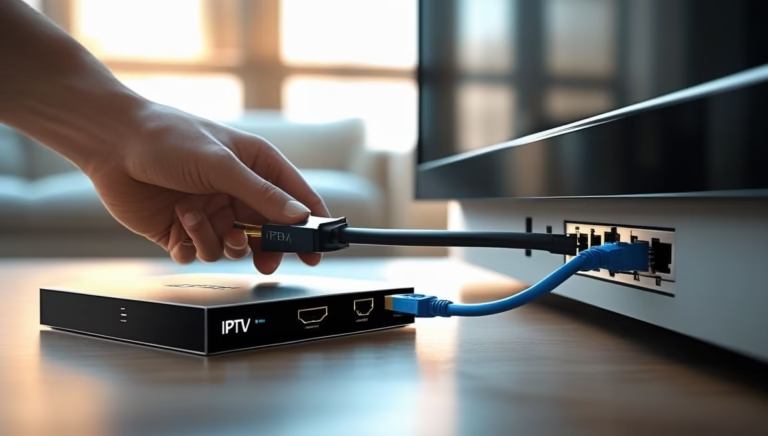
Begin by connecting your HDMI source device (e.g., IPTV box, media player, computer) to the HDMI input of your video transmitter or encoder. Use a high-quality HDMI cable to ensure a clean signal. If your source device has multiple HDMI outputs, ensure you are using the primary video output. For systems utilizing HDMI over IP extenders, the transmitter unit will be connected here.
Step 2: Configure the Transmitter/Encoder
Power on your transmitter or encoder. Access its configuration interface, usually via a web browser by entering its IP address. This IP address is often provided in the device’s manual or can be found using network scanning tools. Within the interface, you’ll typically need to configure settings such as:
- IP Address, Subnet Mask, and Gateway: Ensure these are set correctly for your network. For simple setups, obtaining an IP address automatically via DHCP might suffice, but a static IP is often recommended for stability.
- Streaming Protocol: Choose a suitable protocol like UDP, TCP, RTP, or RTSP, depending on your IPTV middleware or receiver compatibility.
- Video/Audio Encoding Settings: Adjust resolution, frame rate, bitrate, and audio format. Start with default or recommended settings and adjust based on your network’s performance and desired quality.
- Multicast/Unicast: If you’re sending streams to multiple receivers, multicast is generally more efficient. For single receivers, unicast is appropriate.
Step 3: Connect to Your Network
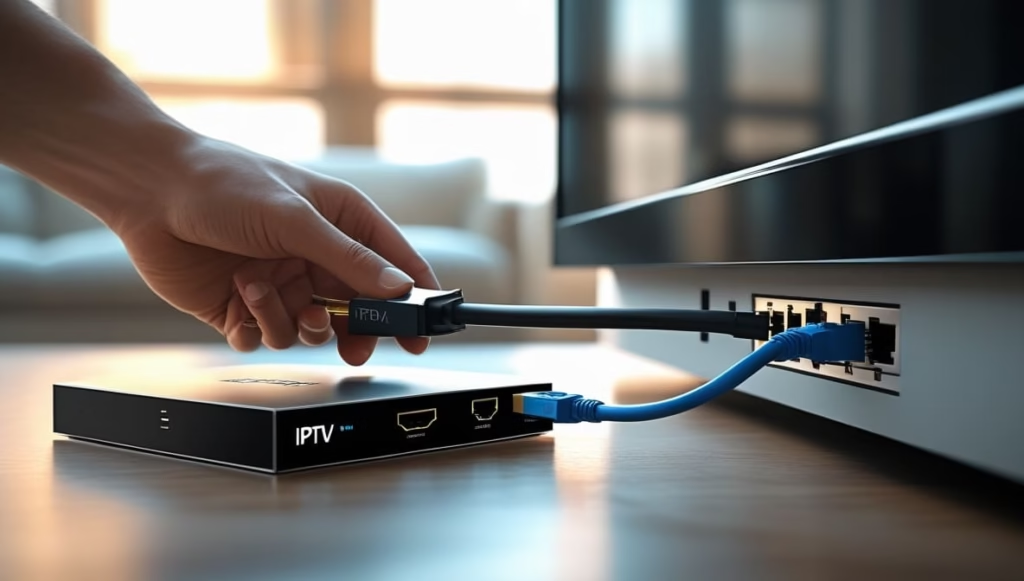
Connect the transmitter/encoder to your network switch or router using an Ethernet cable. Ensure the connection is made to a gigabit port for optimal performance. For systems using HDMI over IP extenders, this step is crucial for transmitting the HDMI signal across your network infrastructure.
Step 4: Connect Your Receivers/Decoders
Connect your IPTV set-top boxes or decoders to your network switch or router via Ethernet cables. If you are using HDMI over IP receiver units, connect them to the network at the destination location.
Step 5: Configure Receivers/Decoders
Power on your receiver/decoder devices. Access their configuration interface (if applicable) or use their on-screen menus. You will need to configure them to receive the IP stream from your transmitter. This usually involves:
- Network Settings: Similar to the transmitter, ensure correct IP configuration.
- Joining Multicast Groups or Specifying Unicast IP: If using multicast, enter the multicast group address provided by the transmitter. If using unicast, enter the IP address of the transmitter.
- Output Settings: Configure the HDMI output resolution and audio settings to match your display.
Step 6: Connect Displays
Connect your TV, monitor, or projector to the HDMI output of your IPTV receiver/decoder using a high-quality HDMI cable. Power on your display and select the correct HDMI input.
Step 7: Test and Troubleshoot
Once all connections are made and configurations are complete, power on your entire system. You should now see the video and hear the audio from your HDMI source on your display. If you encounter issues, refer to the troubleshooting tips below. For more complex network setups and troubleshooting guides, consulting resources such as Wikipedia’s article on IP addresses can be beneficial.
Troubleshooting common issues in an HDMI IPTV setup involves a systematic approach. If you have no picture or sound, first verify all physical connections and ensure all devices are powered on. Check your network status and ensure devices are communicating. If you have a picture but it’s choppy or pixelated, this often indicates a bandwidth issue or network congestion. Revisit your network design, QoS settings, and consider reducing the video bitrate or resolution.
For specific error messages or device behavior, consult the user manuals for your transmitter, encoder, receiver, and decoder for detailed diagnostic information. Many modern IPTV solutions offer diagnostic tools within their interfaces to help pinpoint problems. If you’re experiencing issues with specific HDMI over IP extenders, their manufacturers often provide dedicated support pages and FAQs.
Advanced HDMI IPTV Applications and Future Trends
The versatility of HDMI IPTV extends far beyond simple home viewing. In this section, we will explore advanced applications and emerging trends that highlight the evolving landscape of IP-based video distribution. Understanding these applications can provide inspiration for new projects and showcase the future potential of your HDMI IPTV setup. From professional digital signage to complex video matrix solutions, the possibilities are continually expanding. The integration of HDMI over IP technology is at the forefront of these advancements, enabling new levels of flexibility and control.
One of the most significant areas where HDMI IPTV is making a profound impact is digital signage. Businesses, retail stores, and public venues can now distribute dynamic, high-definition content to numerous screens across multiple locations without the limitations of traditional AV cabling.
This allows for real-time updates of promotional materials, informational displays, and interactive experiences. Using HDMI over IP extenders, a single content source can be seamlessly distributed to hundreds or even thousands of displays, managed centrally and updated remotely. This significantly reduces installation costs and simplifies content management, making it a powerful tool for marketing and communication. The ability to push content to any screen connected to the network, regardless of its physical proximity to the source, offers unprecedented flexibility.
Another exciting application is in the realm of professional video distribution and matrix switching. Instead of relying on expensive and bulky physical matrix switchers, an IP-based system can achieve similar functionality. Multiple HDMI sources can be encoded and transmitted over the network, and then any receiver or decoder can be configured to access any desired source. This creates a highly flexible video matrix where sources and displays can be swapped or reassigned on the fly via software control.
This is invaluable for applications such as sports bars, command centers, event venues, and educational institutions where content needs to be routed to various screens dynamically. The scalability of such systems, where you can add more displays or sources simply by adding more IP devices and ensuring adequate network capacity, is a key advantage of HDMI IPTV. For further insights into professional AV distribution, consider exploring resources from organizations like InfoComm International, the trade association for the professional AV and information communications industries.
Looking towards the future, we can anticipate further advancements in compression technologies, leading to even higher resolutions and frame rates being transmitted over existing network infrastructure. The integration of AI and machine learning will likely play a role in optimizing bandwidth usage and delivering more personalized viewing experiences. The rise of the Internet of Things (IoT) may also lead to more interconnected AV systems, where IPTV seamlessly integrates with smart home or building management systems. The continued development and adoption of standards will also be crucial in ensuring interoperability between different manufacturers’ equipment. As networks become faster and more ubiquitous, the capabilities of HDMI IPTV will continue to expand, pushing the boundaries of what’s possible in video distribution and consumption.
Conclusion: Unlock the Full Potential of Your HDMI IPTV Setup
By now, you should have a comprehensive understanding of what an HDMI IPTV setup entails, from the essential hardware to the intricate network configurations. You’ve learned about the core components, the importance of a robust network infrastructure, and a step-by-step guide to get you started. The world of HDMI IPTV offers unparalleled flexibility, superior picture quality, and a gateway to a vast array of content. Whether you’re looking to upgrade your home entertainment system, create a professional digital signage solution, or build a dynamic video distribution matrix, this technology provides the foundation you need.
Don’t let outdated technology limit your viewing experience. Embrace the power and flexibility of HDMI IPTV and transform the way you consume media. Take the first step today by assessing your current setup, choosing the right equipment, and implementing the network optimizations discussed in this guide. For more in-depth information on specific hardware or advanced configuration techniques, consult the resources provided by your equipment manufacturers and explore the wealth of knowledge available online. Start your journey towards seamless, high-definition streaming and unlock the full potential of your entertainment system!